Add MCP
Introducing MCP in Agent
-
Click the MCP Server button on the New Agent Configuration page.

-
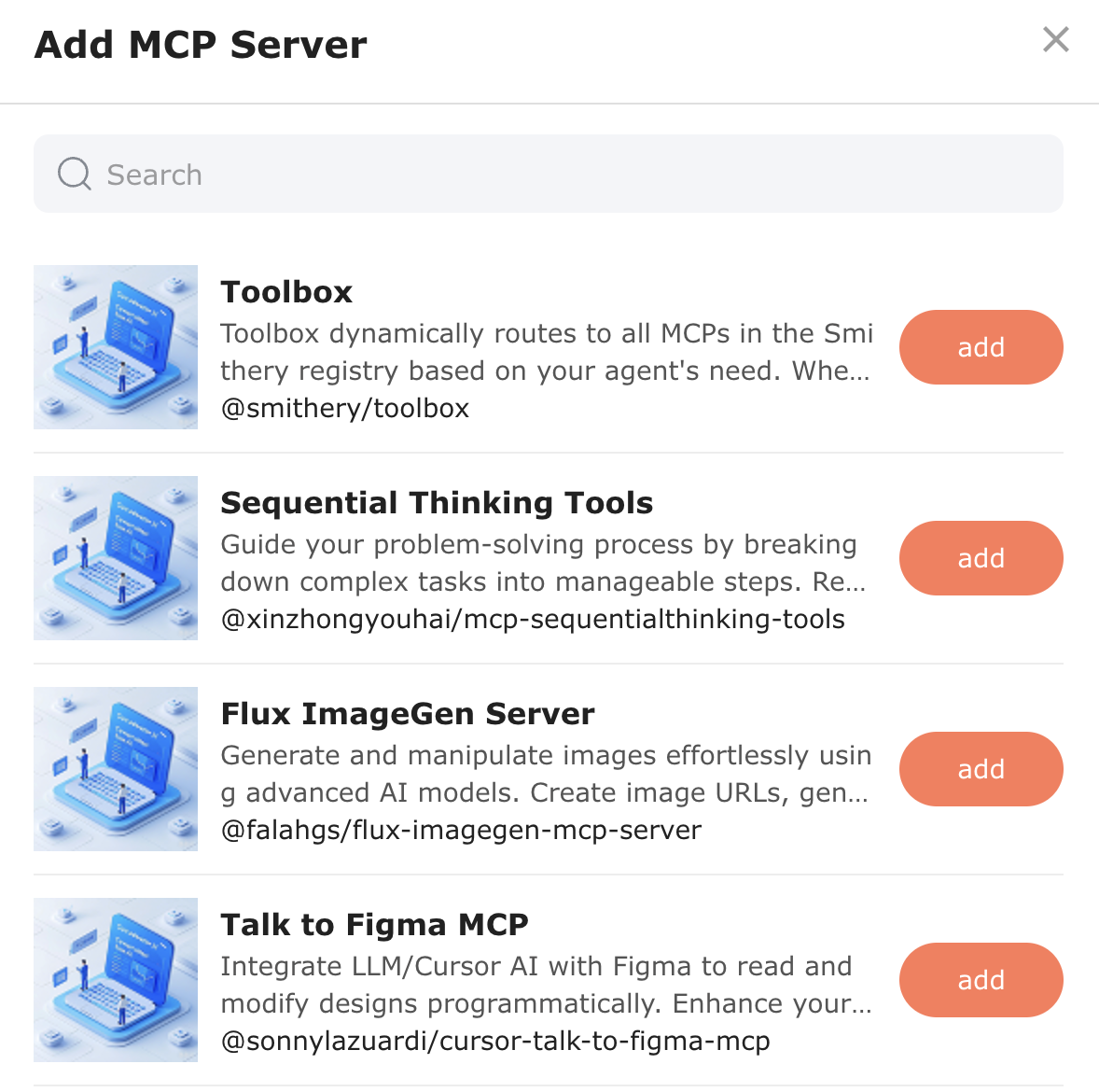
Select one from the MCP Server list to add.
-
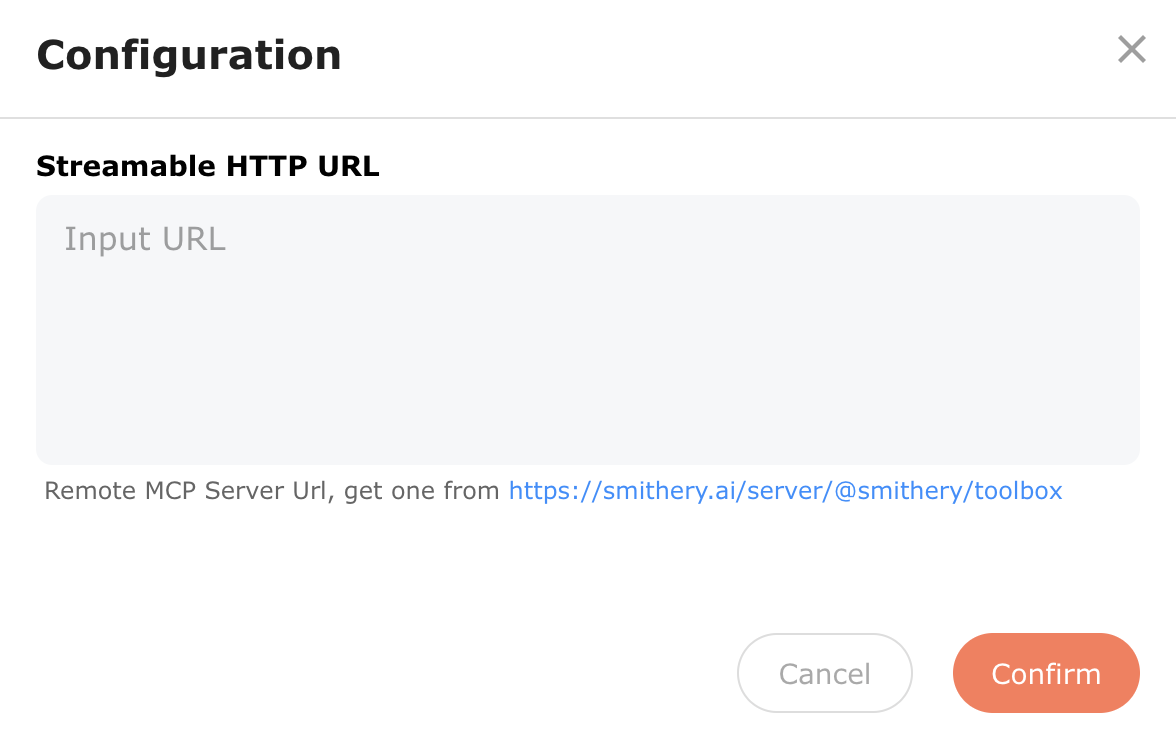
Enter the configured Streamable HTTP URL.
-
Connect:
- Connection successful: Display all tools under the MCP Server.
- Connection failed: Display a prompt message. You can modify the Streamable HTTP URL or delete the MCP Server.