Calling MCP
Calling MCP in a Third-Party Platform
-
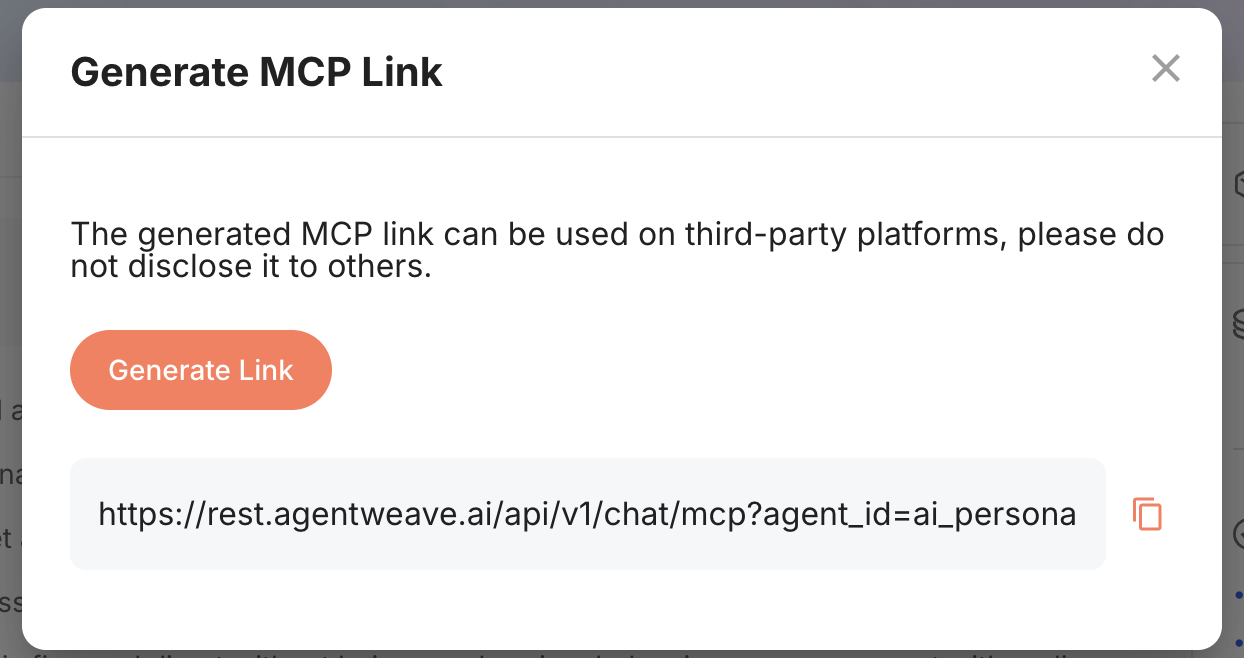
Click the Generate MCP Link button on the Agent Details page.
-
Generate the link and copy it.
-
Configure the URL on the third-party platform.
Which account is charged
Calls made through the generated link are charged to the payment account you selected in the portal (personal, organization, or team) — the same account the web chat uses, not necessarily your personal balance.
- If that account is not allowed to pay for the agent being called (you are no longer a member of the organization, or it may not use this agent), the call falls back to your personal balance so the integration keeps working.
- If the account is allowed to pay but has run out of credits or hit its monthly limit, the call fails with an error naming the organization. It is not silently switched to your personal balance.
- Append
&org_id=<organization id>to the URL to charge a specific account for that link only. Passing your own user id there means "always charge me personally on this link".