Basics
This article explains how to obtain an API key and generate a user token.
Generate API key
1. Visit AgentWeave and log in
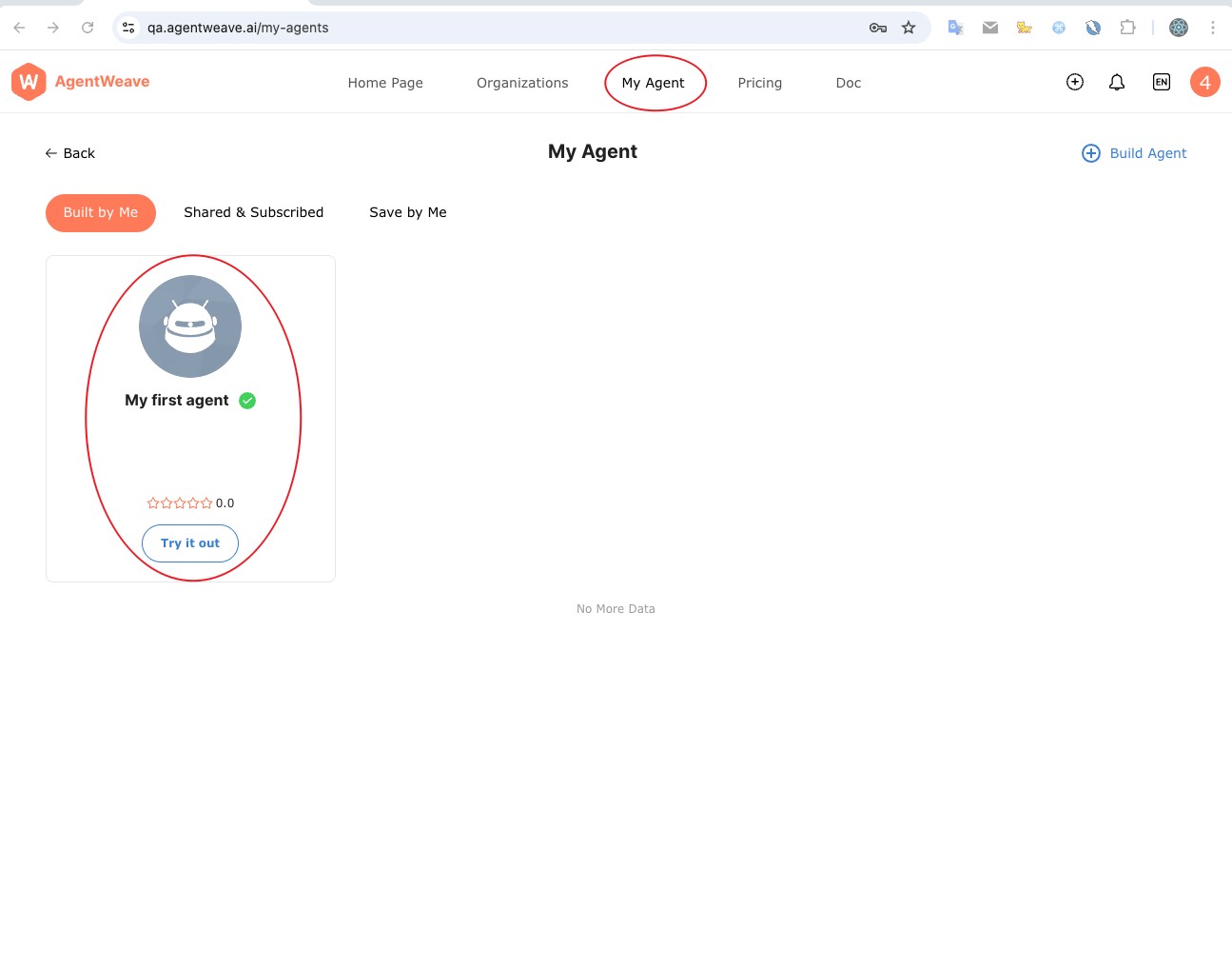
2. Select an agent you created on the My Agent page
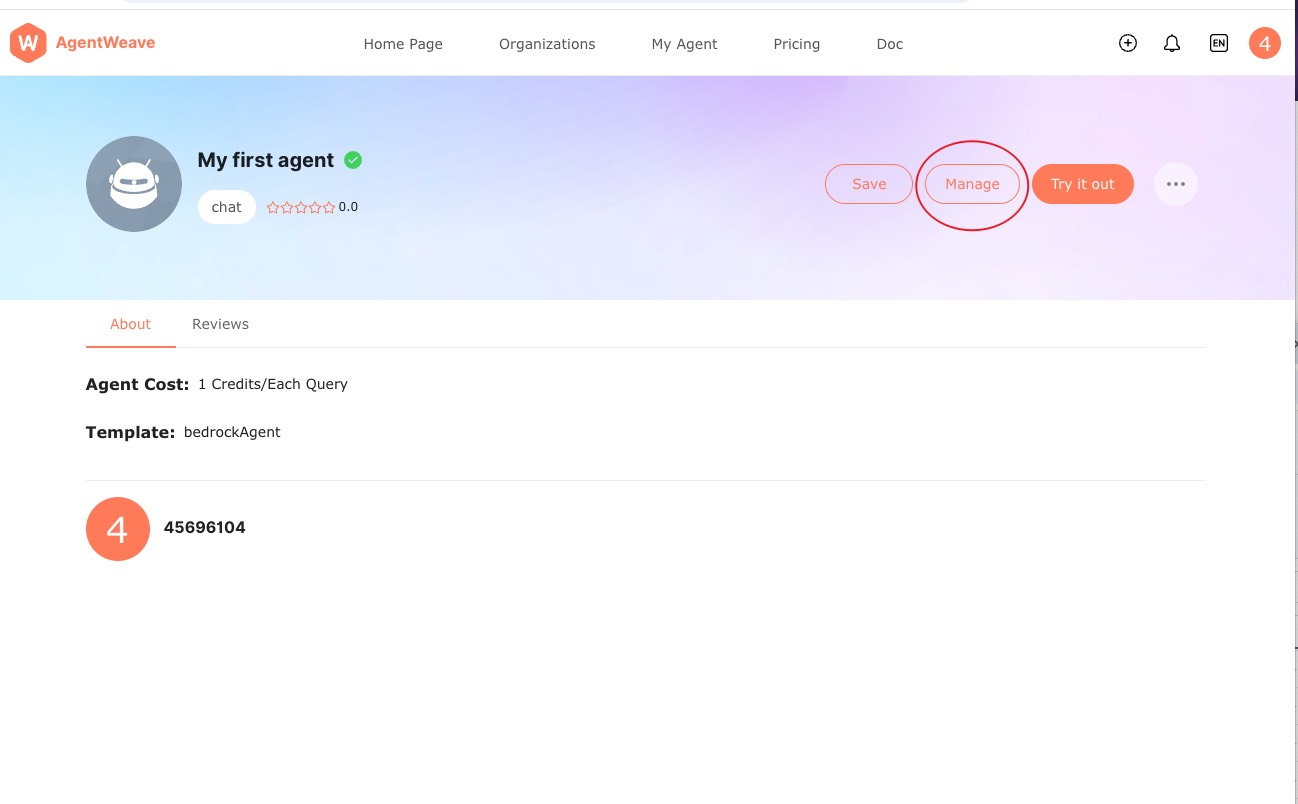
3. Enter the Agent management page
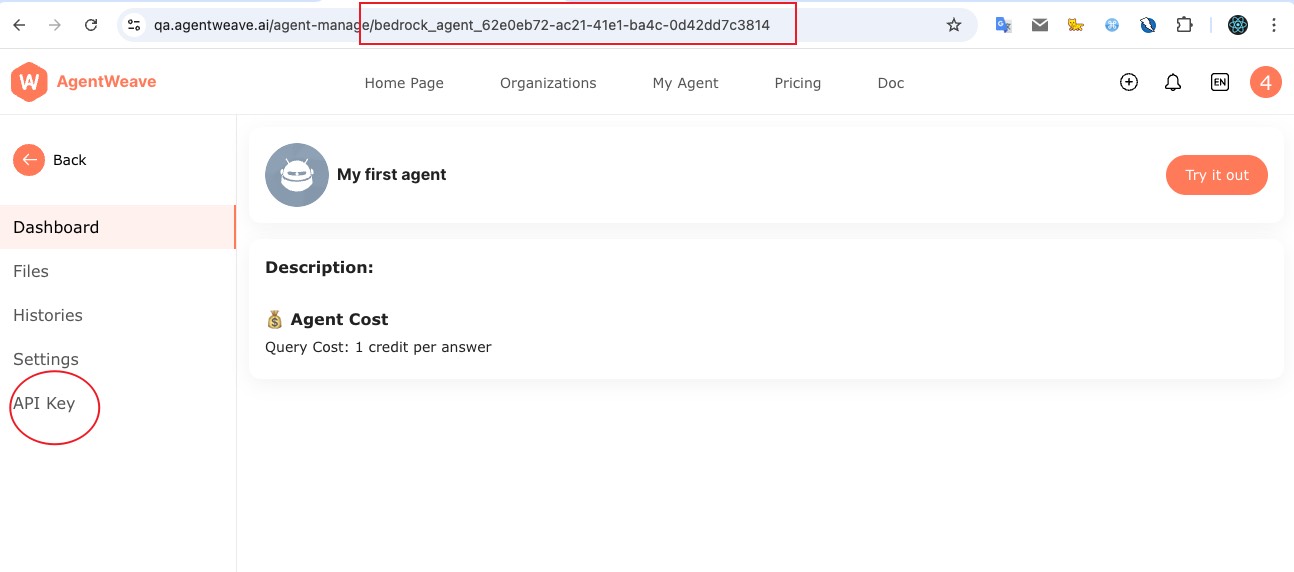
4. Click the API Key menu on the Agent management page and record the agent ID
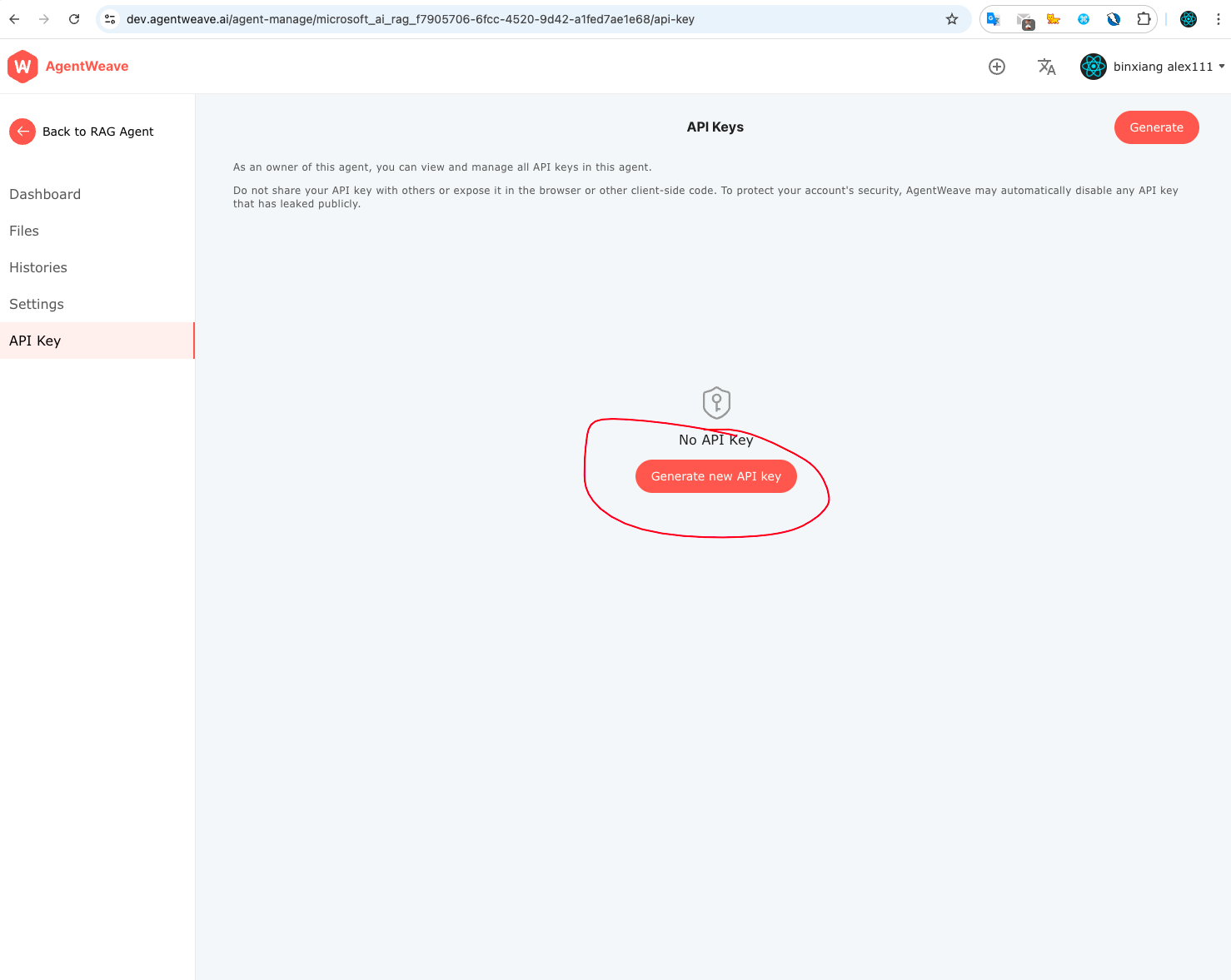
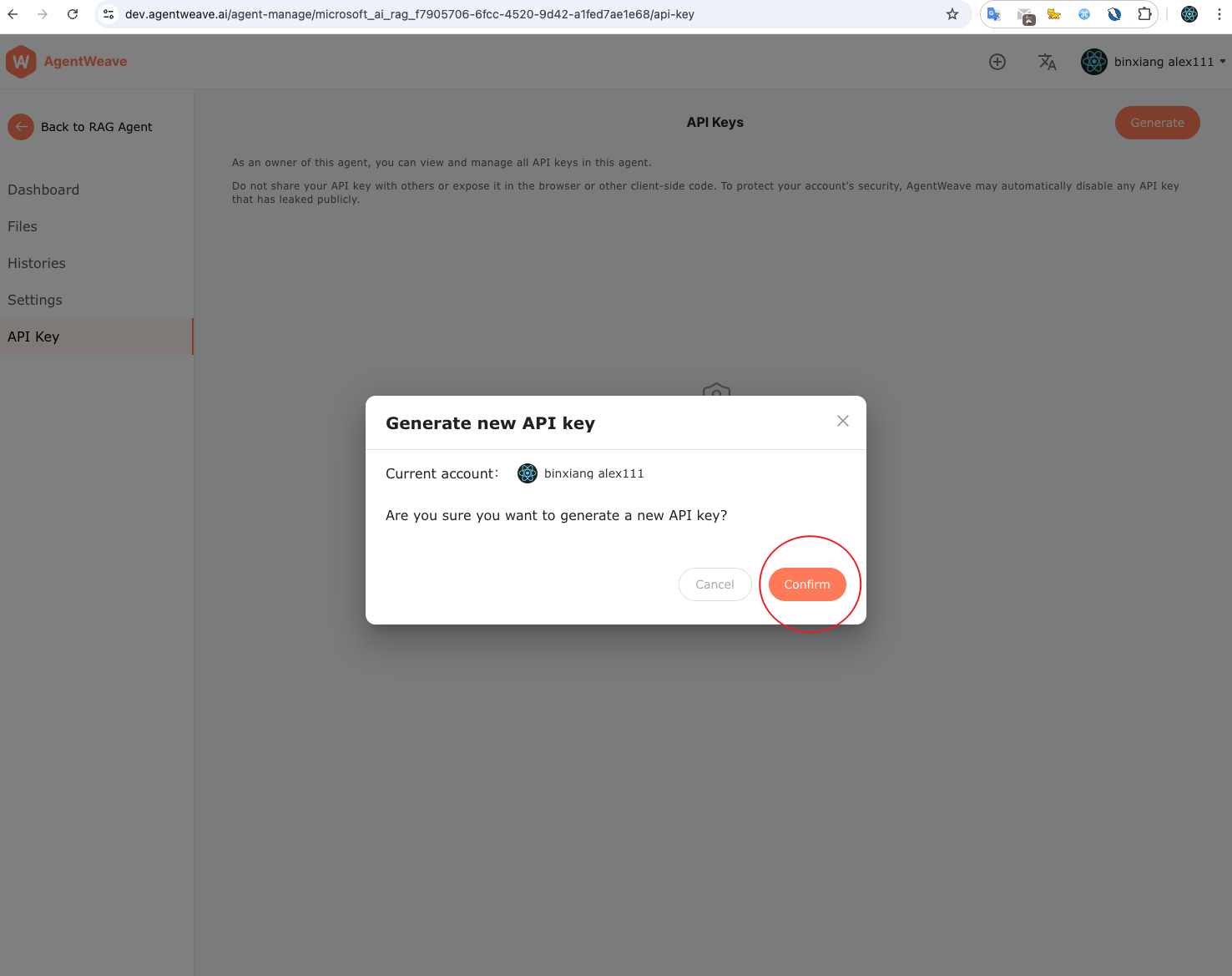
5. Click Generate New API Key to obtain the API Key
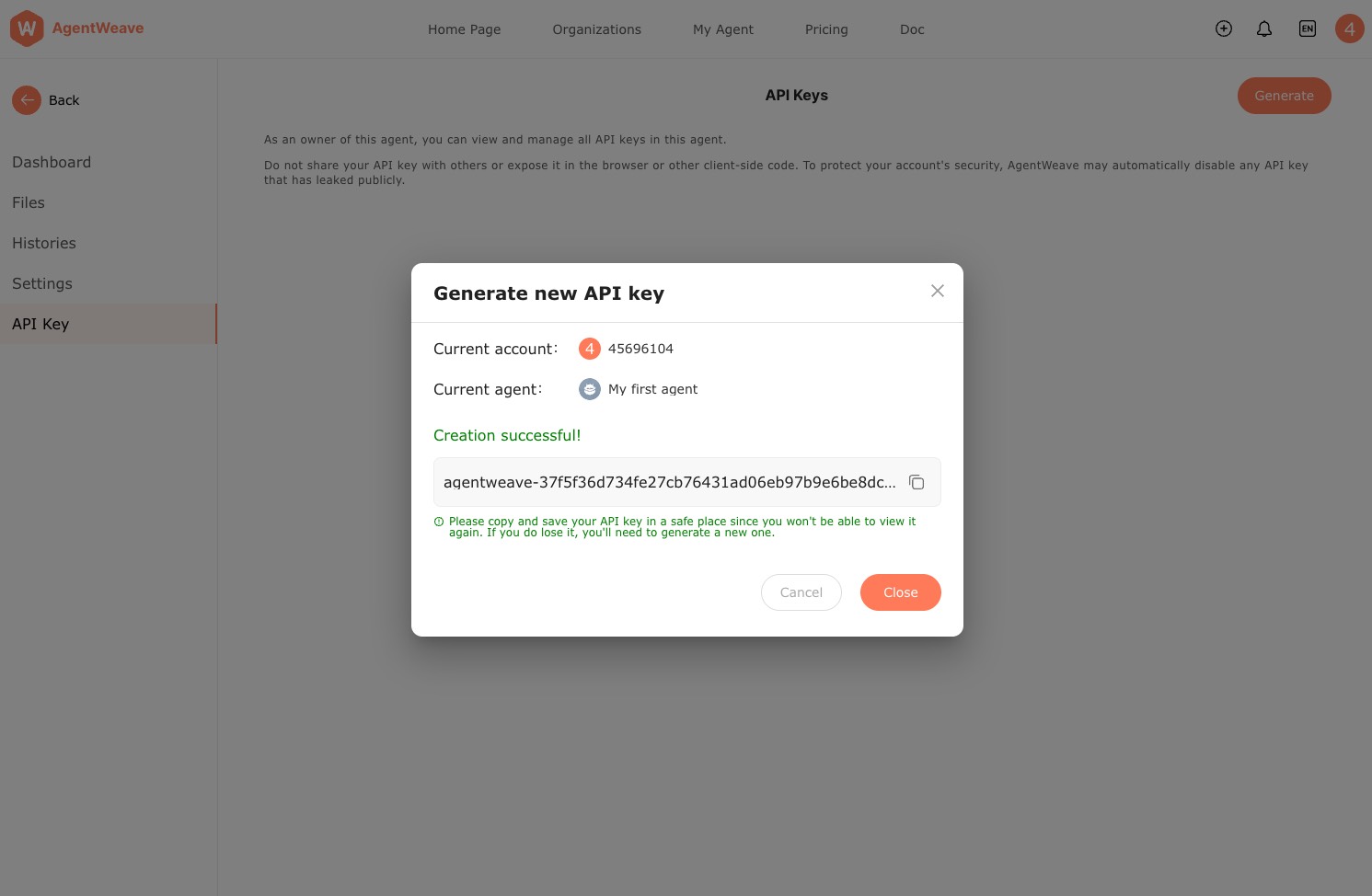
6. Copy the generated API Key and save it locally. If lost, you must regenerate it.
Get User Token
On the Customer system backend:
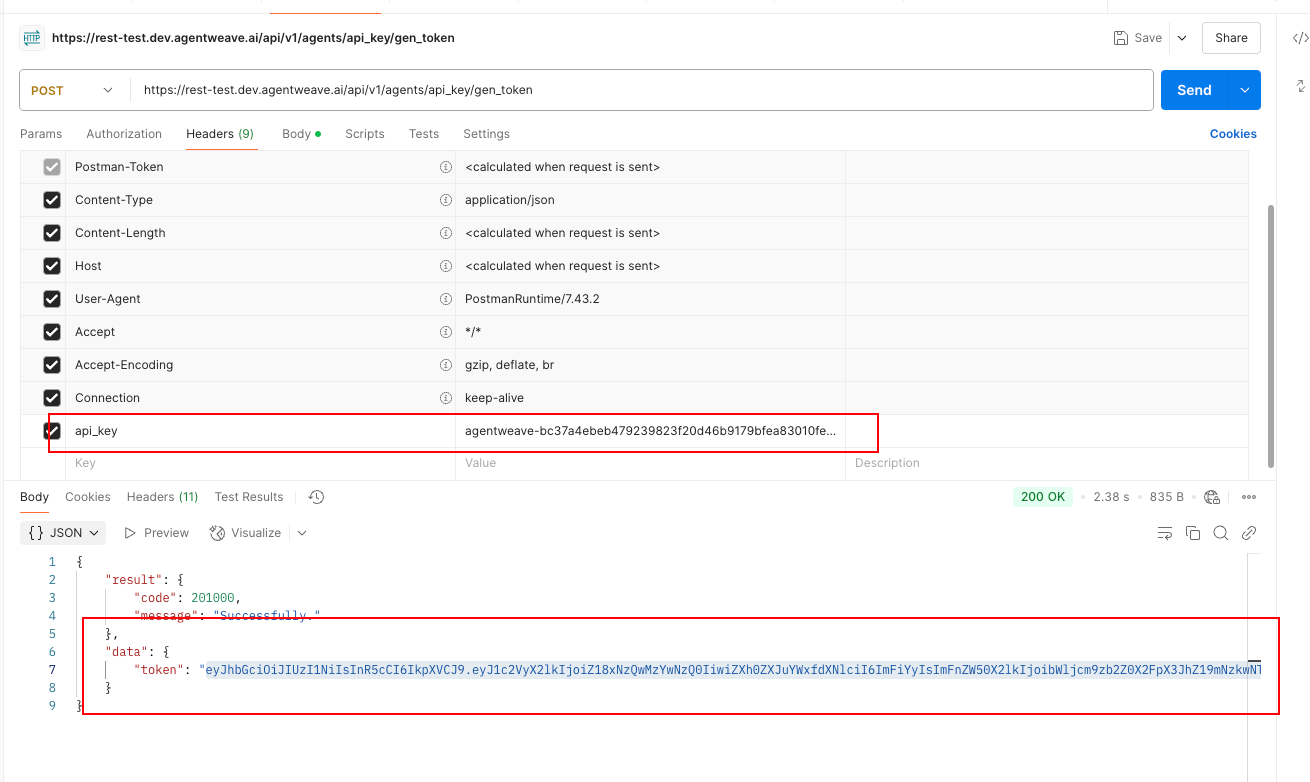
Request the following API
API location:
https://rest.agentweave.ai/api/v1/agents/api_key/gen_token
Include in the request header
api_key: {api_key}
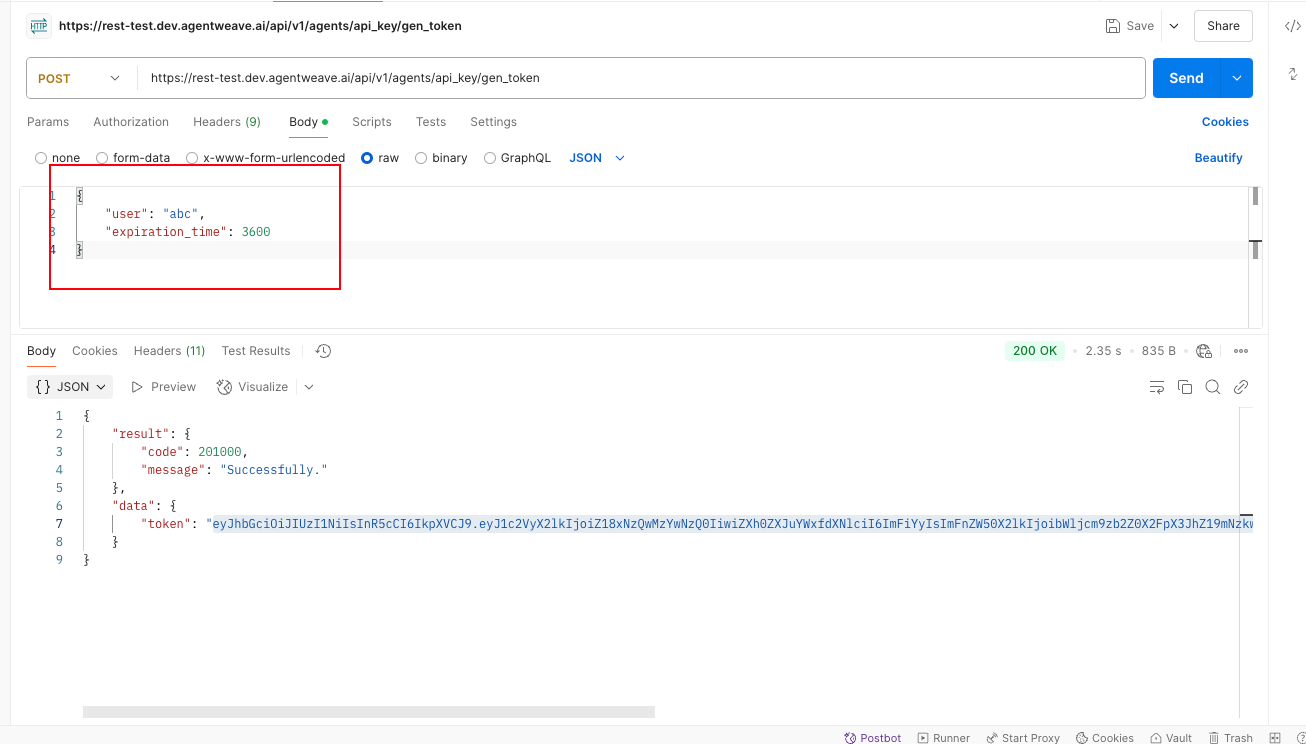
Request Body
{
    "user": "user_id", // Customer system user ID
    "expiration_time": 3600 // Token validity period, in seconds
}
The API will return the user access Token